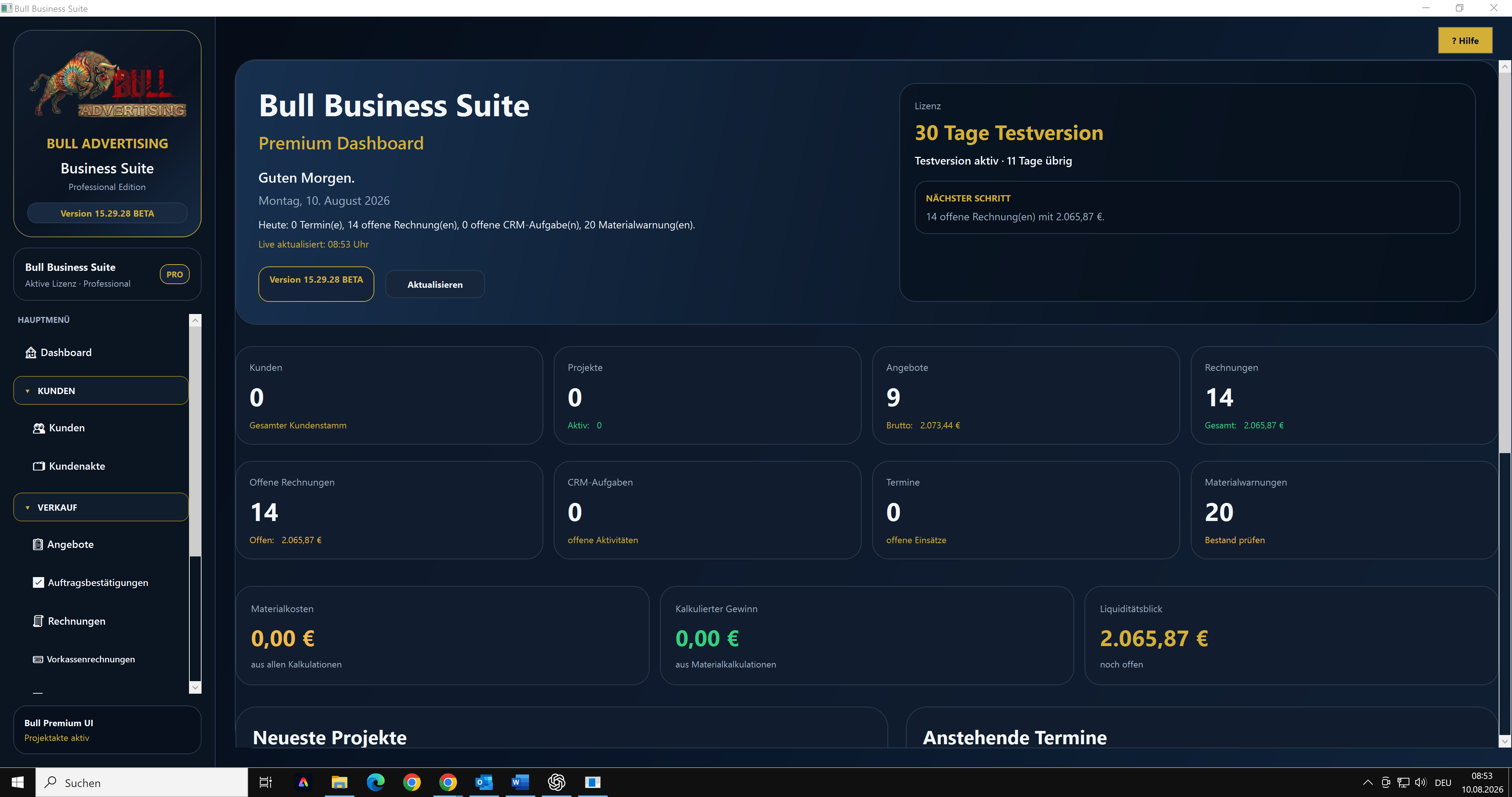
Manage customers
Maintain master data and business information in your own workspace.
BULL BUSINESS SUITE · WINDOWS SOFTWARE
Work on customers, quotations, orders and invoices in one Windows application, keeping contacts and business processes together.
HOW IT HELPS IN EVERYDAY WORK
Who is it for? For small and medium businesses that want a clearer workflow from enquiry to billing.
Create the customer and maintain contact and business information.
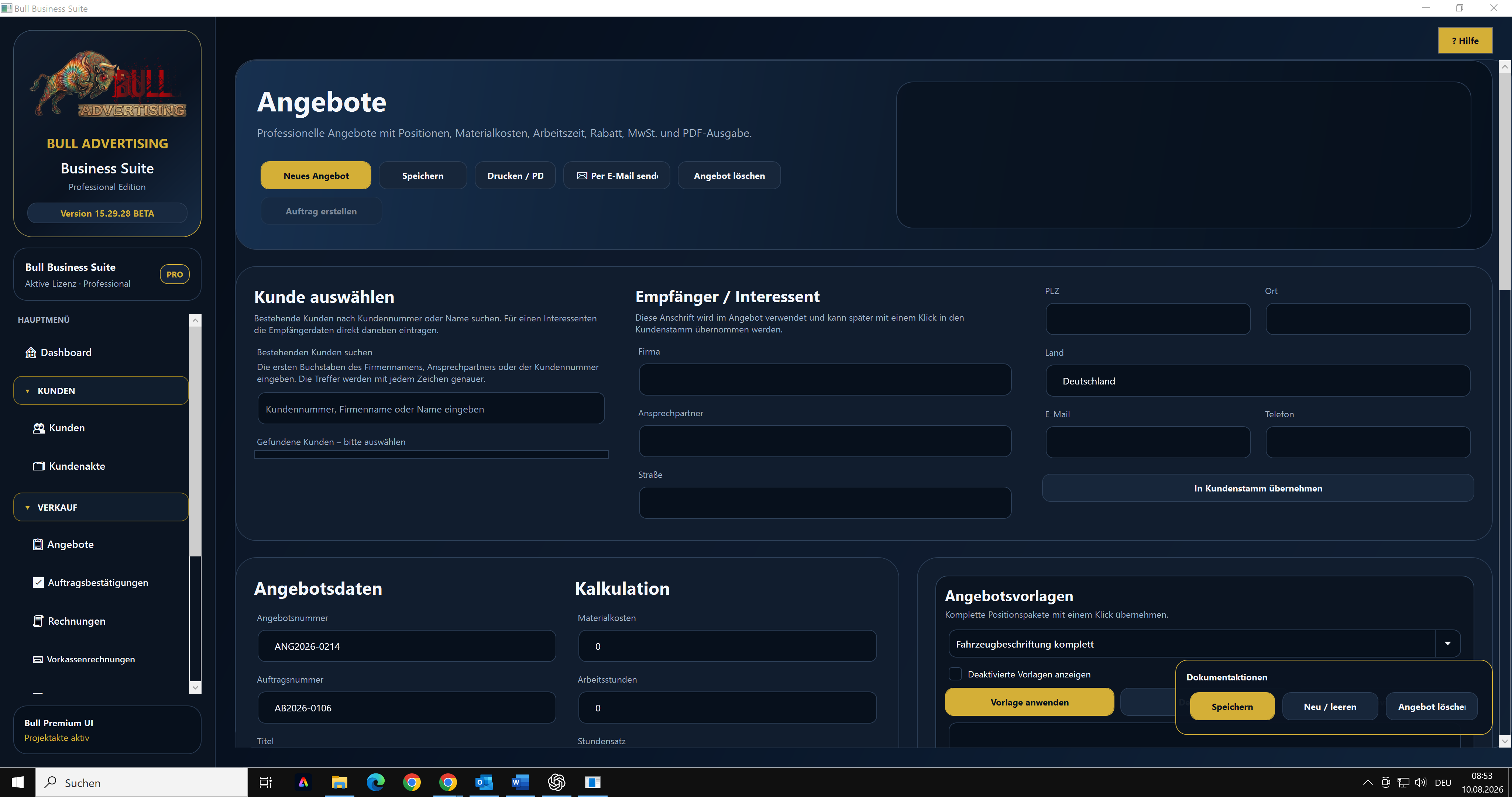
Work with quotation data, calculations, templates and print or PDF output.
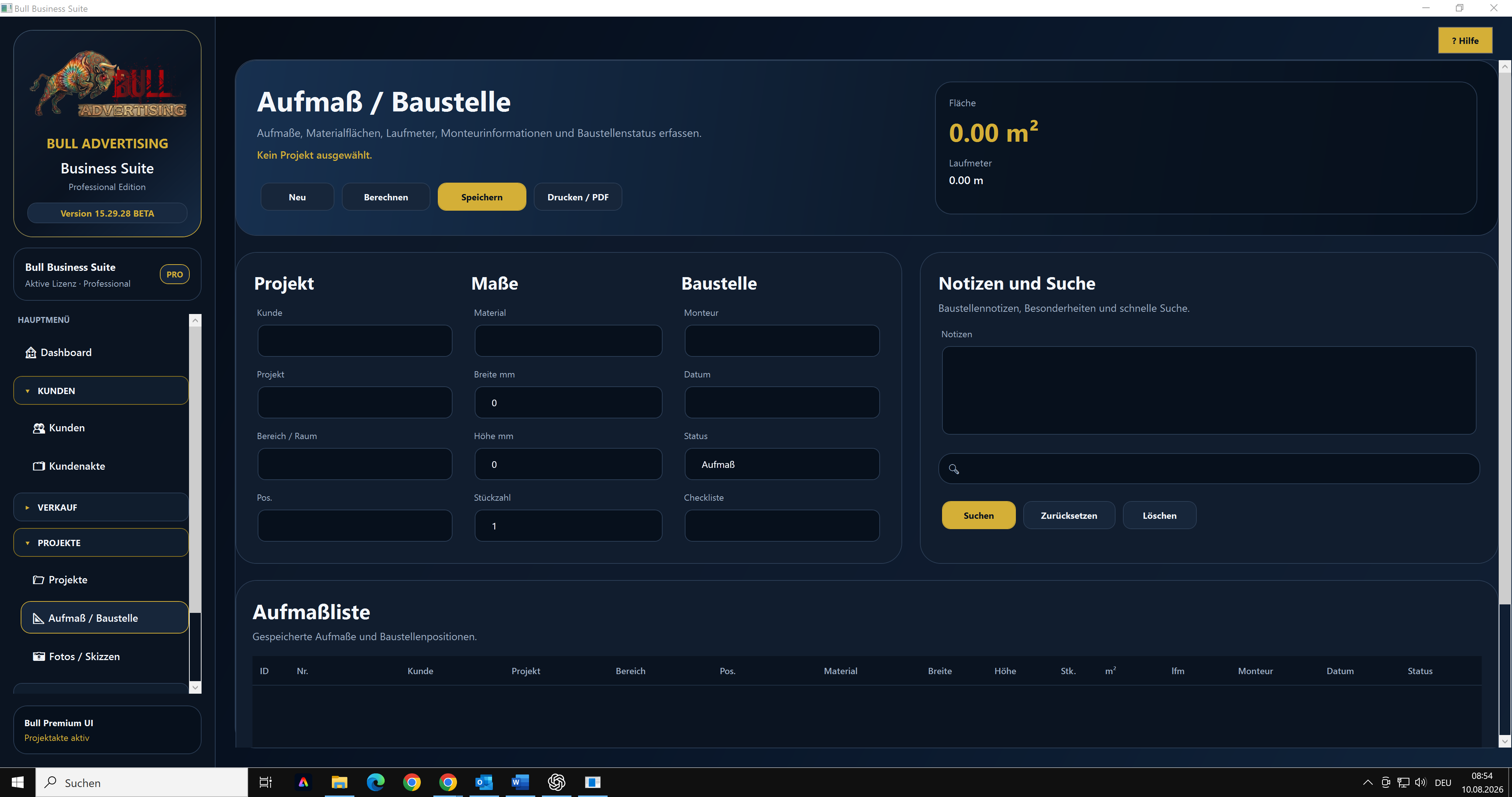
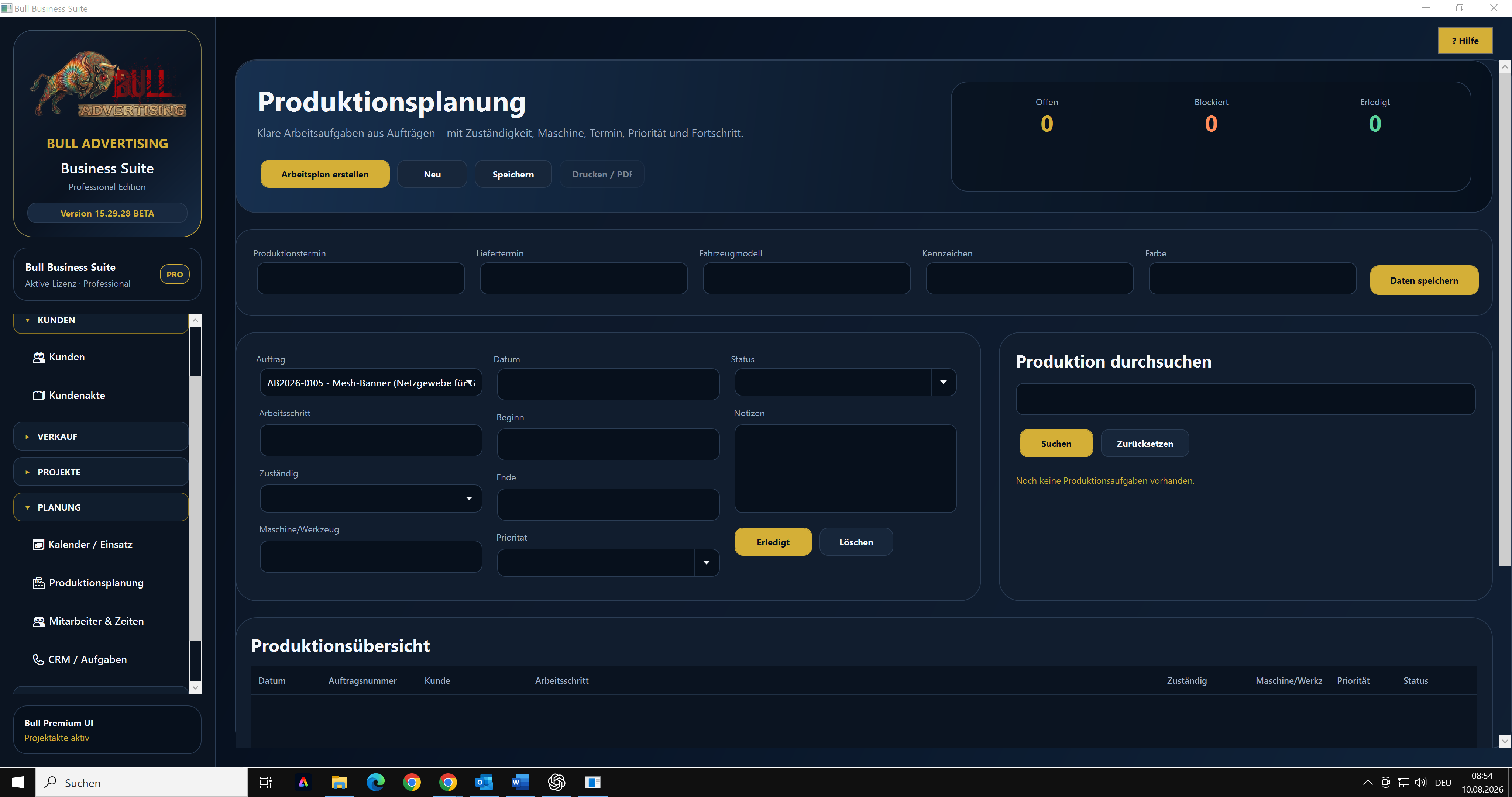
Record the order and add measurements, site details or production tasks where needed.
Use invoice management in the same application to handle billing.
Keep customer, quotation and order information in one workspace. The main application runs locally on your Windows PC.
The images show examples.
Maintain master data and business information in your own workspace.
Keep customer-related processes organised instead of spreading them across files.
Customer and invoice management form the independent foundation.
The main application runs on Windows and needs no public web account.
FEATURES
The most important work areas, explained clearly and without hidden promises.
Maintain master data and business information in your own workspace.
Keep customer-related processes organised instead of spreading them across files.
Customer and invoice management form the independent foundation.
The main application runs on Windows and needs no public web account.
Add employee planning or Bull QMS later without rebuilding the core.
Data exchange occurs only when explicitly configured.
EVERYDAY BENEFITS
The application supports real workflows and remains useful as a standalone product.
OPTIONAL EXTENSIONS
Add availability, assignments, time recording and approvals.
View employee module →Manage ISO preparation, QM documents, audits and actions separately.
Discover QMS →START PERSONALLY
For small and medium businesses that want a clearer workflow from enquiry to billing.