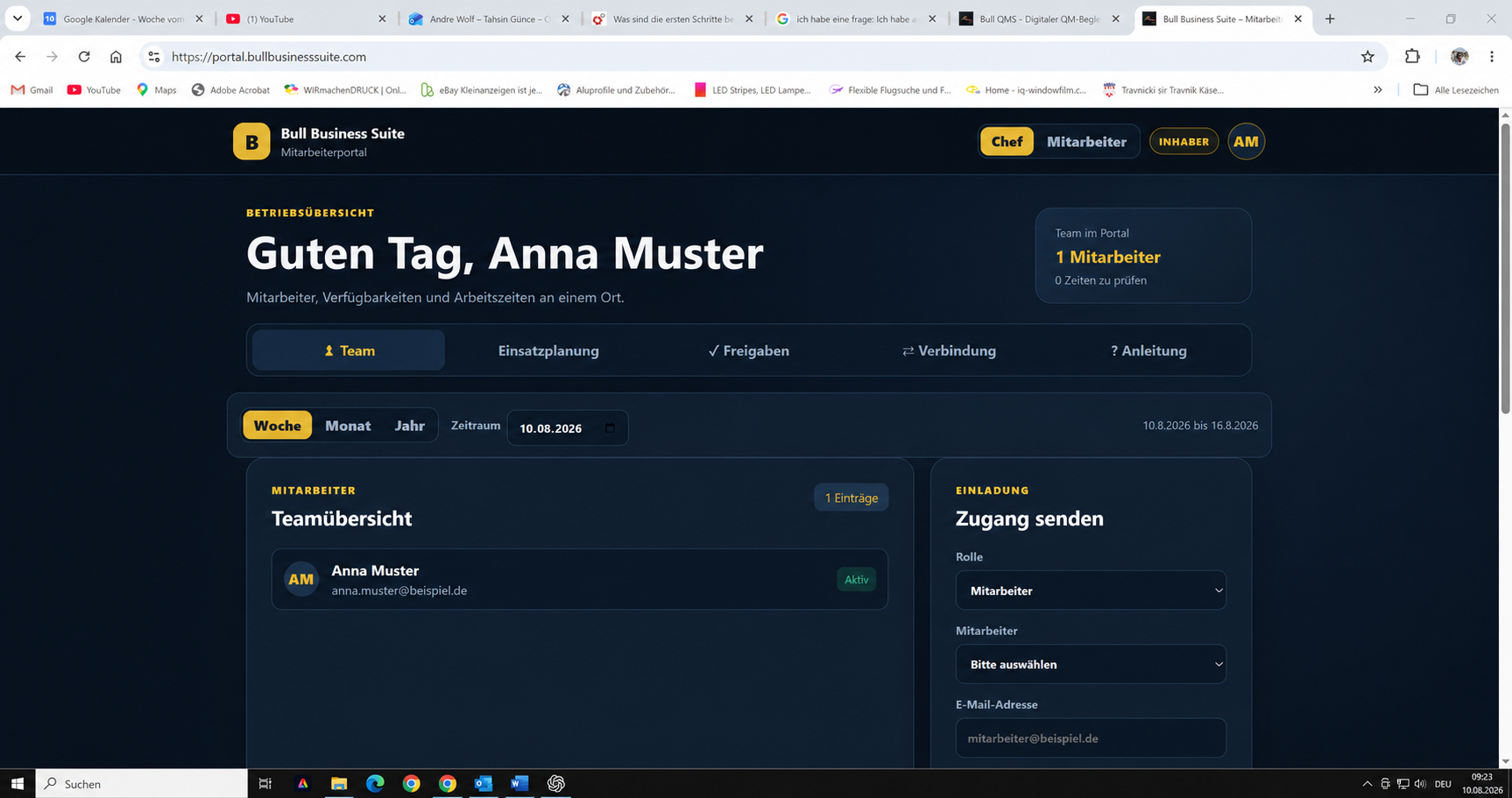
Manage the team
Record employees, contracted hours and responsibilities.
EMPLOYEES & PLANNING
See who is available, assign work and review recorded hours in a shared portal that also works in a mobile browser.
HOW IT HELPS IN EVERYDAY WORK
Who is it for? For teams with changing assignments or workplaces that need clearer scheduling and time reporting.
Employees enter available time slots for planning.
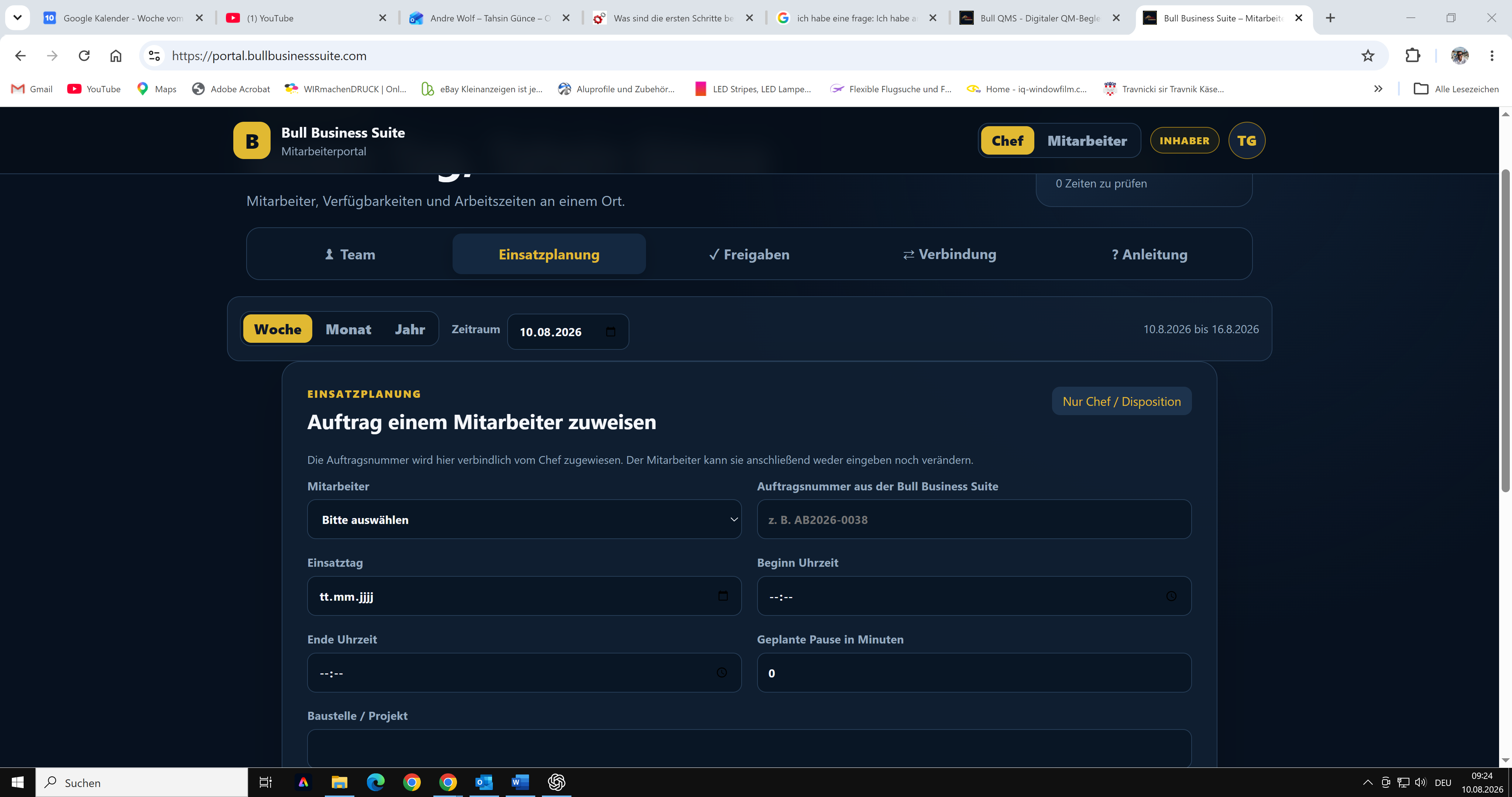
Assign employees to orders or locations, with times, breaks and activities.
Employees record time for assigned orders, including on mobile.
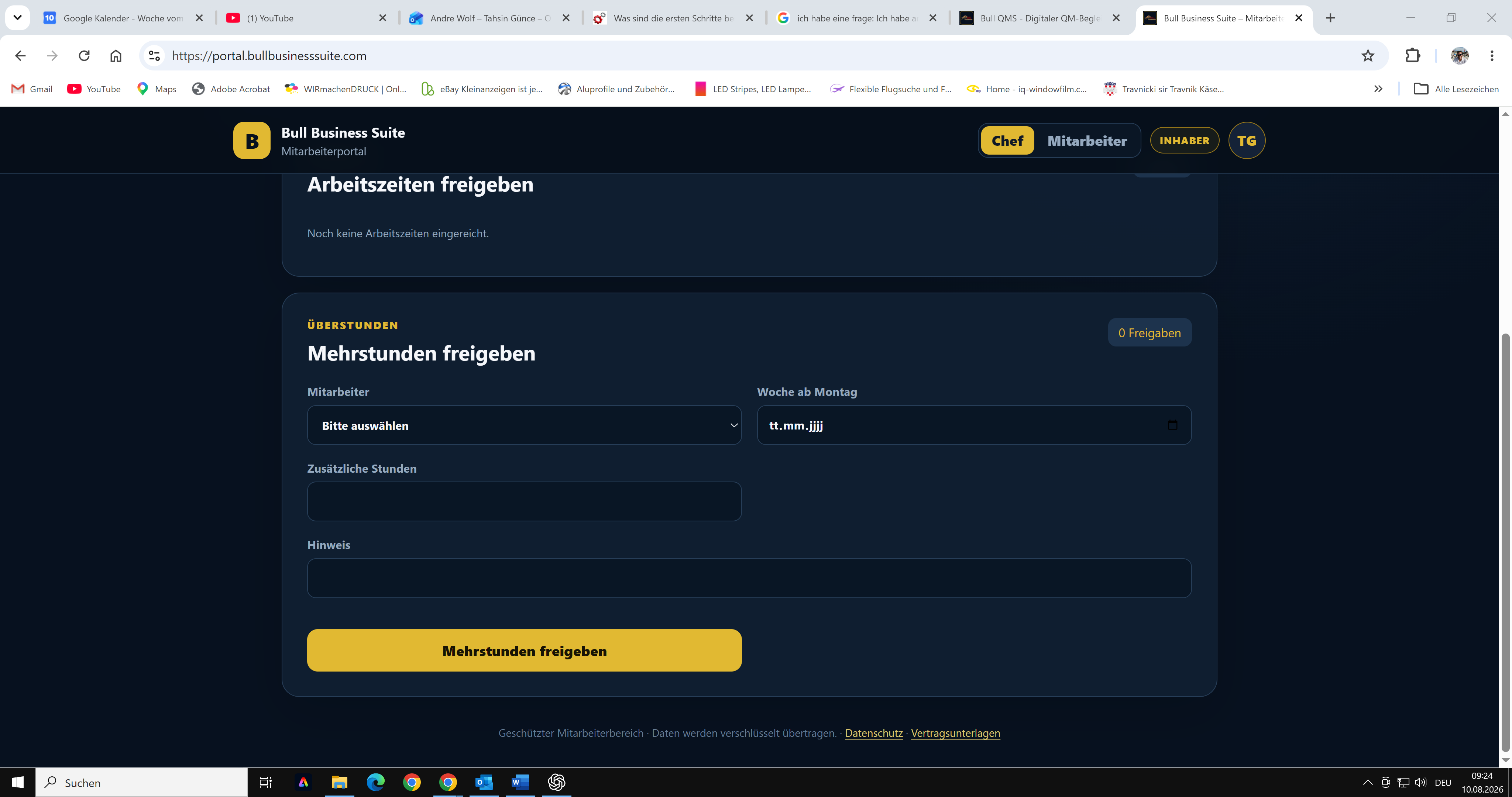
Managers approve, reject or return entries for correction.
Bring planning and feedback together. Managers keep an overview and employees report time for their assigned jobs.
The images show examples.
Record employees, contracted hours and responsibilities.
Plan weekly, monthly and annual availability.
Assign employees to orders or locations with times and activities.
Employees submit their own time against assigned work.
FEATURES
The most important work areas, explained clearly and without hidden promises.
Record employees, contracted hours and responsibilities.
Plan weekly, monthly and annual availability.
Assign employees to orders or locations with times and activities.
Employees submit their own time against assigned work.
Approve, reject or return entries for correction.
The responsive portal works in modern desktop and mobile browsers.
EVERYDAY BENEFITS
The application supports real workflows and remains useful as a standalone product.
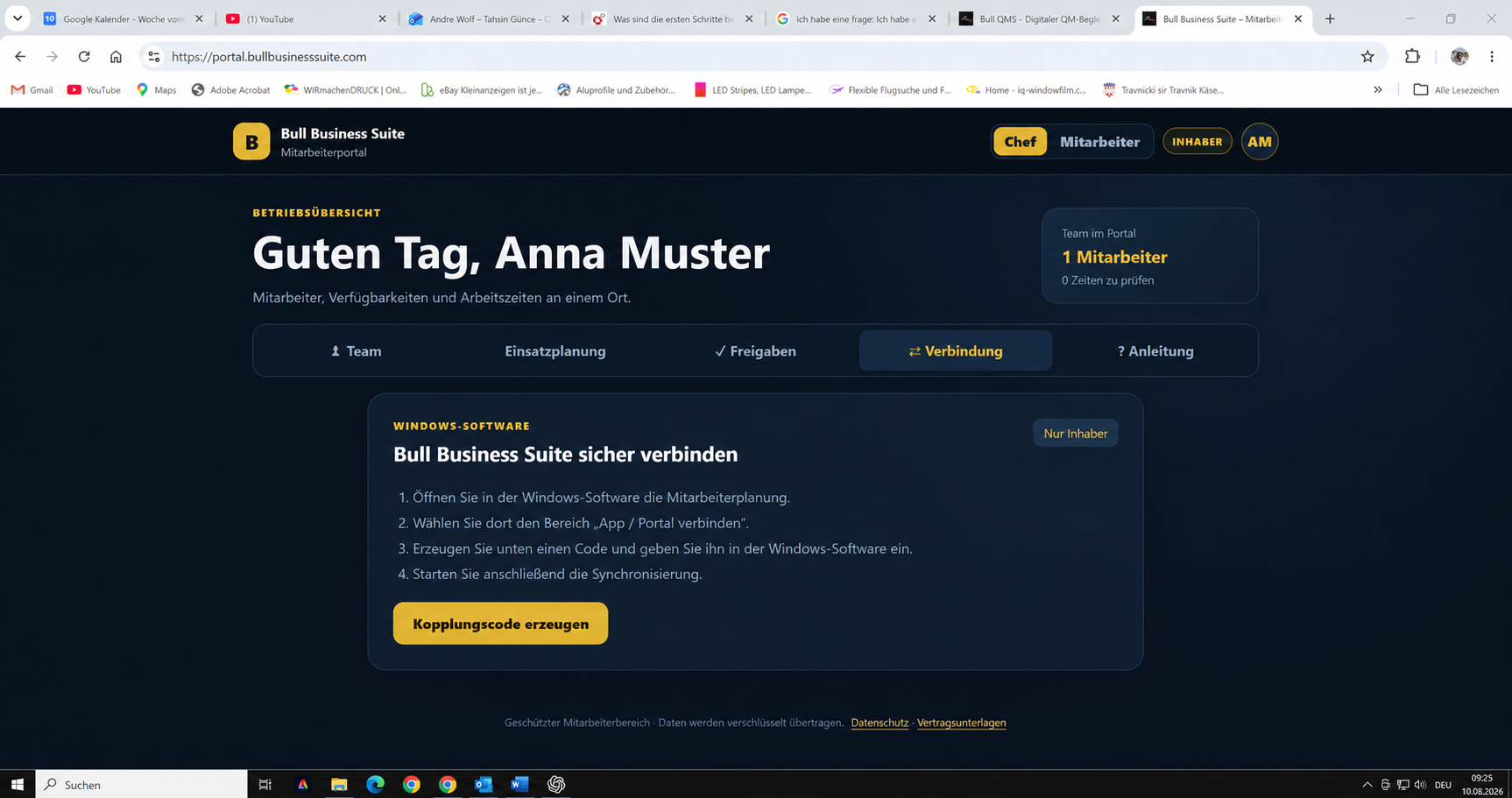
The employee portal is activated in a controlled process. Company employee data remains protected.
OPTIONAL EXTENSIONS
Manage customers, orders and invoices locally on Windows.
View Windows software →Use selected business evidence for quality management when desired.
Discover QMS →START PERSONALLY
For teams with changing assignments or workplaces that need clearer scheduling and time reporting.